Mobile Admin UI vs. Web Admin UI:
Navigating the Shift in Dashboard Design
In the modern enterprise ecosystem, administrative tasks are no longer tethered to a desktop. Whether it’s a store manager checking inventory on the go or a DevOps engineer responding to a server alert from a phone, the demand for high-quality “Admin UX” has bridged the gap between desktop and mobile.
However, designing for these two environments requires fundamentally different approaches. At AdminUIUX.com, we specialize in both high-performance Web Admin Templates (Bootstrap 5, Angular, React) and specialized Mobile UI Kits. Here is how to navigate the shift between them.
1. Information Density vs. Contextual Priority
Web Admin UI: The desktop is the king of “Big Data.” On a web dashboard, you have the screen real estate to display complex data tables, multi-column layouts, and side-by-side analytics. Users expect a bird’s-eye view of the entire system.
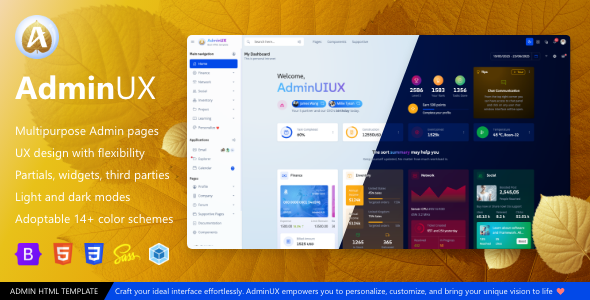
AdminUIUX Approach: Our AdminUX Bootstrap Templates utilize wide-screen layouts with collapsible sidebars to maximize data visualization and multi-tasking.
Mobile Admin UI: On mobile, information density is the enemy. Mobile admin interfaces must focus on “Actionable Insights.” Instead of showing a table with 20 columns, a mobile UI should show a summarized card with the most critical KPIs.
AdminUIUX Approach: Our MobileUX Multipurpose Templates use card-based layouts and “progressive disclosure” to show only what is necessary, keeping the interface clean and thumb-friendly.
2. Navigation: Sidebar vs. Tab Bar
Web Admin UI: Navigation in web dashboards usually lives in a persistent or collapsible vertical sidebar. This allows for deep nesting of categories (e.g., Settings > Users > Permissions).
Key Feature: Breadcrumbs and global search bars are essential for navigating complex hierarchies.
Mobile Admin UI: The vertical sidebar is often hidden behind a “hamburger” menu on mobile, but primary navigation frequently shifts to a Bottom Tab Bar. This places the most important sections within reach of the user’s thumb.
Key Feature: Using frameworks like Framework7 (as seen in our OverUIUX templates), mobile navigation mimics native app behavior with smooth transitions and haptic-friendly buttons.
3. Interaction Patterns: Hover vs. Gesture
Web Admin UI: Web interfaces rely heavily on mouse-driven interactions. Hover states are used for tooltips, hidden action buttons (edit/delete), and dropdown menus.
Web Best Practice: Large clickable areas and keyboard shortcuts for power users.
Mobile Admin UI: There is no “hover” on mobile. Every action must be explicit. Mobile admin UIs utilize gestures—swiping to delete a notification, pinching to zoom into a chart, or long-pressing to select items.
Mobile Best Practice: Action buttons must be at least 44×44 pixels to prevent “fat-finger” errors, a standard we maintain across all AdminUIUX mobile kits.
4. Use Case: Management vs. Monitoring
Web Admin UI (Management): The web is for heavy lifting—data entry, bulk uploads, configuring complex system settings, and generating detailed monthly reports. It is a “Creation” environment.
Mobile Admin UI (Monitoring): Mobile is for “Consumption” and “Urgent Response.” It’s designed for approving a pending request, checking a real-time sales metric, or receiving push notifications about system health.
Investment UIUX Mobile App HTML template for Finance
Best HTML mobile app for healthcare with fitness and wellness
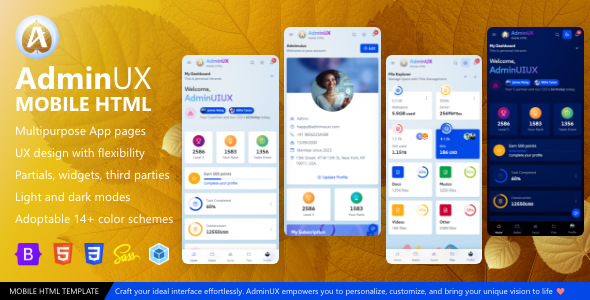
Mobile AdminUX a multipurpose HTML template native web app
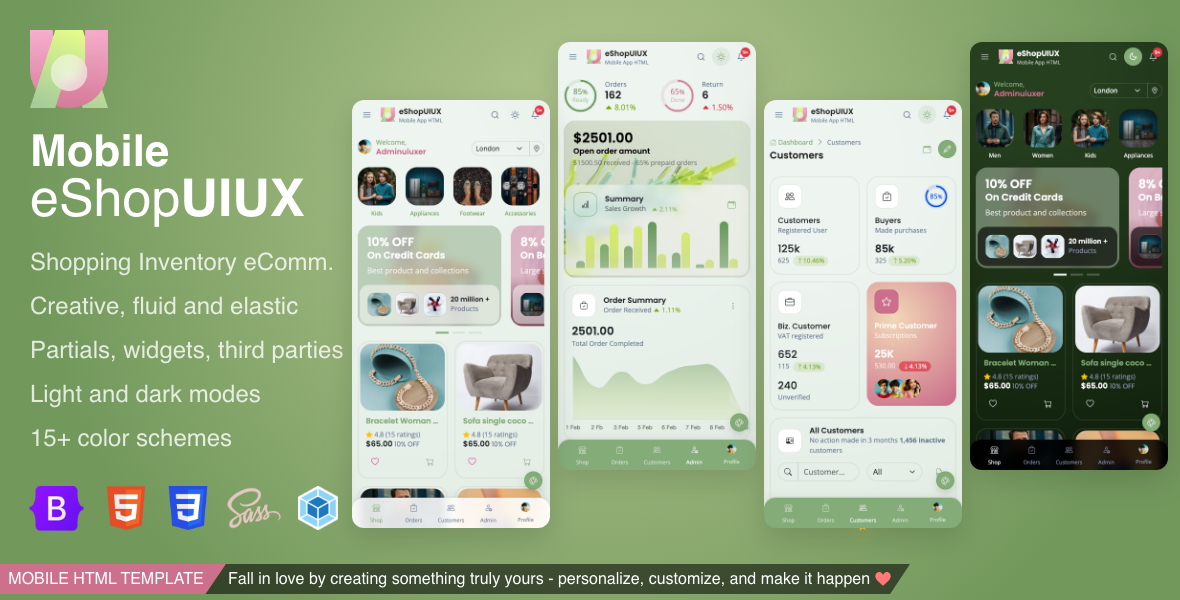
eCommerce Bootstrap Mobile UI HTML template
eShop UI UX is best for ecommerce store as well as inventory management application, native web app, cordova app creation.
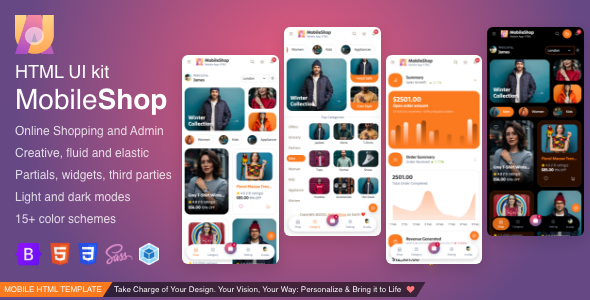
MobileShop Bootstrap HTML template for ecommerce
MobileShop Mobile HTML for Shopping, eCommerce and responsive mobile app HTML template built with Bootstrap 5
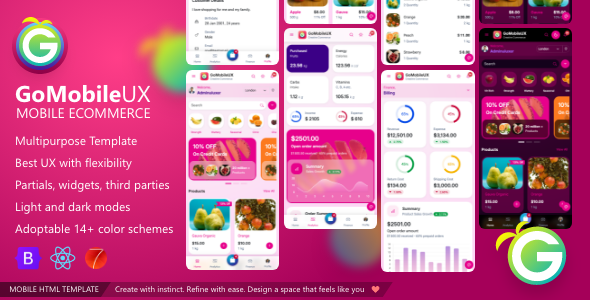
GoMobileUX Bootstrap , React js and Framework7 ui kit
GoMobile UX is ecommerce storefront micro native web app UI template. Best for ecommerce, retail,shop, store app creation.
Why Choose AdminUIUX for Both?
At AdminUIUX.com, we don’t just create “responsive” templates that shrink a web page into a mobile screen. We build platform-specific experiences:
Framework Versatility: Whether you need Bootstrap 5 for a robust web portal or React 19 / Angular 19 for a snappy mobile-first application, our codebases are optimized for the specific hardware they run on.
Modern Tech Stack: Our templates, such as GoTRI and DevUIUX, offer industry-specific layouts (Healthcare, E-learning, Finance) that are pre-configured for both web and mobile-specific workflows.
Performance First: Admin dashboards often lag when handling large datasets. Our templates are built with clean code and optimized CSS to ensure that your mobile admin UI is just as fast as your desktop version.
AdminUX multipurpose dashboard Bootstrap HTML templates
Clinical, Medical, Health care Admin dashboard HTML template
Banking, Investment, Finance, Wallet HTML Dashboard & application
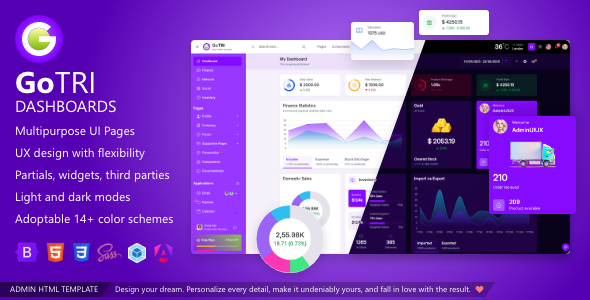
GoTRI multipurpose dashboard Bootstrap HTML templates
GOTRI multipurpose dashboards HTML template bootstrap themes. To quick start project Angular Starter UI kit.
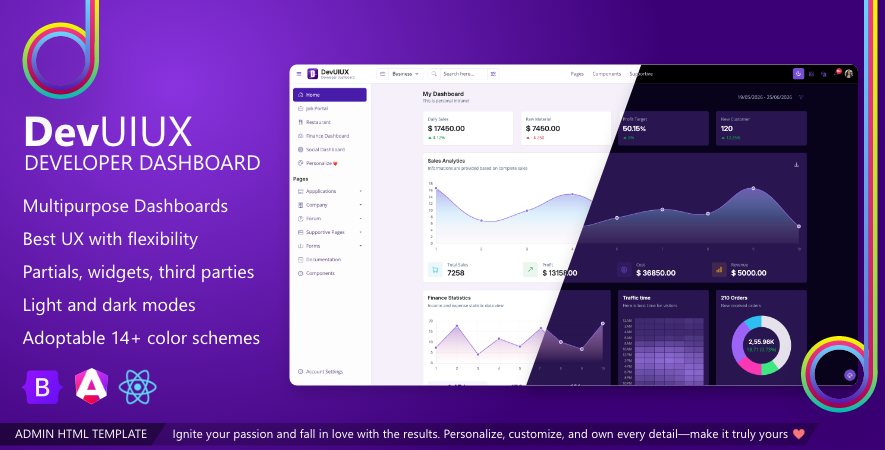
DevUIUX Developer dashboard built with bootstrap
Developer Dashboard is multipurpose admin template product ready pages and in app pages ready to develop
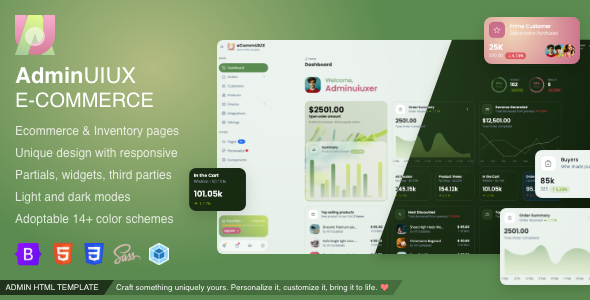
ECommerce Bootstrap 5 modern and trendy UI template
We have best HTML template dashboard for inventory management and ecommerce store management and more…
Conclusion
The choice between Mobile and Web Admin UI isn’t an “either/or”—it’s about continuity. A truly powerful admin suite uses the Web UI for deep configuration and the Mobile UI for constant connectivity.
Ready to build your next-gen dashboard? Explore the premium collection of web and mobile templates at AdminUIUX.com and deliver an exceptional experience on every device.