In the evolving landscape of 2026, choosing the right UI framework for an admin dashboard isn’t just about “look and feel”—it’s about balancing user performance, developer velocity, and SEO visibility.
While admin panels are often behind login screens, the modern “Admin UI/UX” philosophy demands that marketing-facing dashboards, public reporting tools, and PWA (Progressive Web App) versions are highly discoverable. Here is a deep dive into Framework7 vs. Bootstrap for your next project.
1. The Core Philosophy: Native vs. Universal
Before looking at the technical specs, it’s vital to understand what each framework intends to be.
Framework7: Its primary goal is to mimic native mobile experiences (iOS and Android). If your admin dashboard is meant to feel like an “app” on a smartphone, Framework7 provides the specific haptics, transitions, and look of mobile operating systems.
Bootstrap: The undisputed king of responsive web design. It is built for the “Universal Web”—ensuring that a complex data table looks just as professional on a 27-inch iMac as it does on a tablet.
2. Feature Comparison for Admin UI/UX
| Feature | Framework7 | Bootstrap 5 |
|---|---|---|
| Primary Target | Mobile-First / PWAs | Mobile-First/ Desktop / Responsive Web |
| Visual Style | iOS / Material Design (Native look) | Clean, Professional, Standard Web |
| Learning Curve | Moderate (Proprietary components) | Low (Industry standard) |
| Components | Mobile-specific (Swiper, Pull-to-refresh) | Data-heavy (Complex Tables, Grids) |
| Framework Support | Vue, React, Svelte (Native support) | Vanilla JS, React, Angular, Vue |
Smart Devices and IoT automation best mobile app html
Best HTML mobile app for healthcare with fitness and wellness
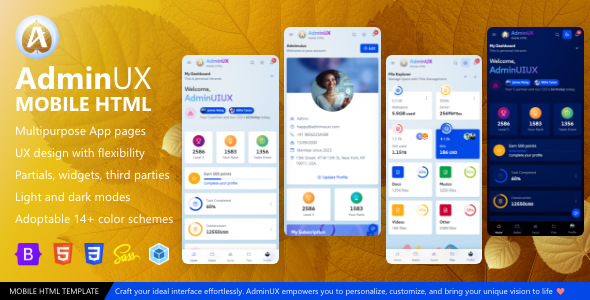
Mobile AdminUX a multipurpose HTML template native web app
eCommerce Bootstrap Mobile UI HTML template
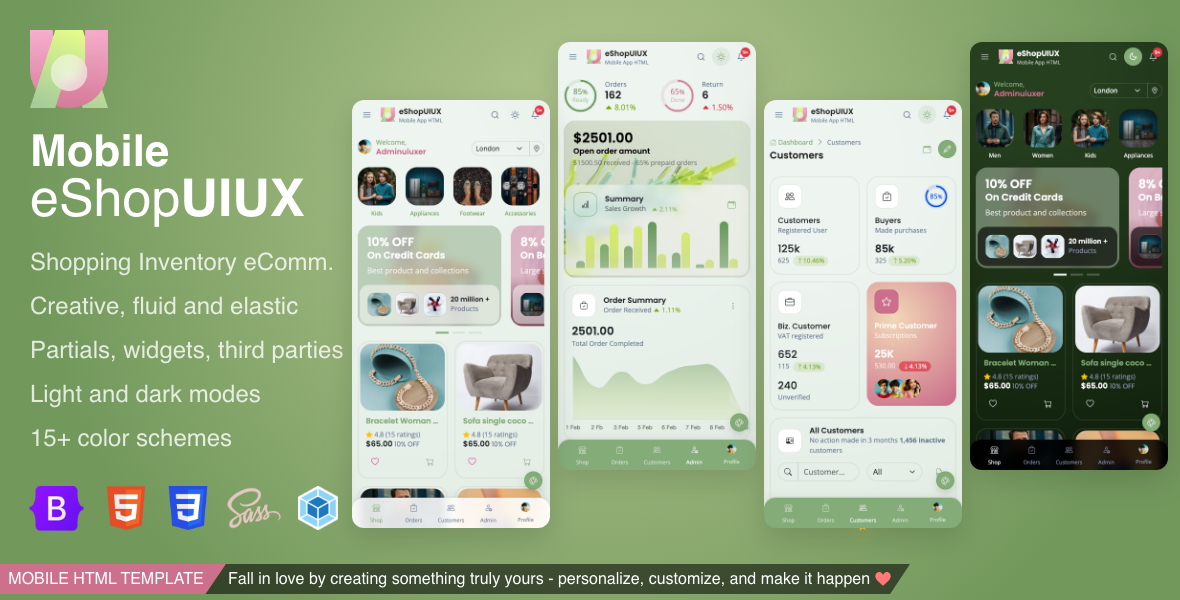
eShop UI UX is best for ecommerce store as well as inventory management application, native web app, cordova app creation.
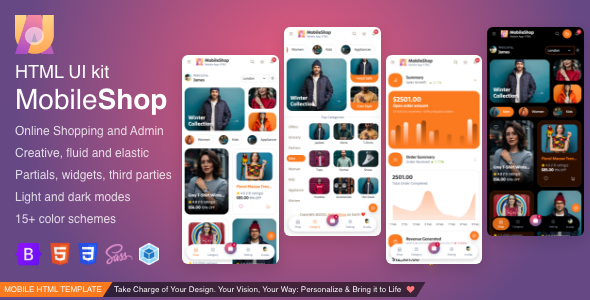
MobileShop Bootstrap HTML template for ecommerce
MobileShop Mobile HTML for Shopping, eCommerce and responsive mobile app HTML template built with Bootstrap 5
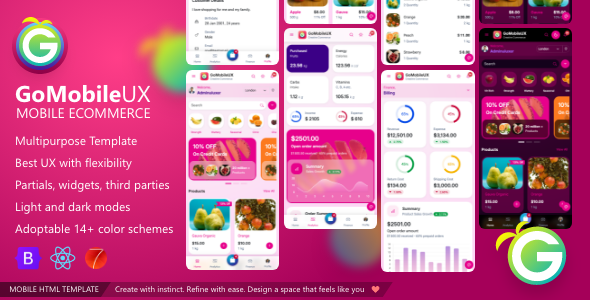
GoMobileUX Bootstrap , React js and Framework7 ui kit
GoMobile UX is ecommerce storefront micro native web app UI template. Best for ecommerce, retail,shop, store app creation.
3. SEO Reach: Which Framework Wins?
In 2026 and upcoming years, Google’s Core Web Vitals are the primary drivers of SEO. While admin dashboards are often private, “SEO Reach” matters for public-facing SaaS dashboards or documentation hubs.
Bootstrap’s SEO Advantage:
Semantic HTML: Bootstrap is built on standard HTML5 patterns that search engines find easy to crawl.
- Creative Look: We move beyond the “standard” Bootstrap look by adding custom micro-interactions (glowing buttons, glassmorphism, and animated transitions) tailored for mobile thumbs.
Speed & CDNs: Because Bootstrap is the most used framework globally, many users already have it cached in their browsers from other sites, leading to “instant” load times.
Desktop Indexing: Admin dashboards often have massive amounts of data. Bootstrap handles large-screen layouts more efficiently, which correlates with better engagement metrics—a secondary SEO signal.
Framework7’s SEO Strategy:
Mobile-First Indexing: Since Google uses mobile-first indexing, Framework7’s high performance on mobile devices gives it a “Speed Index” advantage.
PWA Readiness: Framework7 is built for Progressive Web Apps. High-quality PWAs are often prioritized in mobile search results and can even be indexed as “App-like” entities.
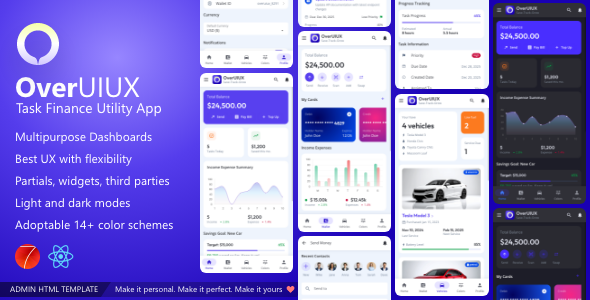
OverUIUX finance tracking and task management F7 UI template
Overuiux provide wide range of predesigned UI pages for fintech, wallet, task management, income expense tracking and more…
GoMobileUX Bootstrap , React js and Framework7 ui kit
GoMobile UX is ecommerce storefront micro native web app UI template. Best for ecommerce, retail,shop, store app creation.
4. Admin UI/UX Performance
Admin panels typically involve complex interactions: data filtering, real-time charts, and multi-step forms.
The Bootstrap Experience
For a Heavy-Duty Data Portal, Bootstrap is the safer choice. Its grid system handles “Dashboard Bloat” better. You can have a sidebar, a header, and a three-column data view without the layout breaking or feeling cramped.
The Framework7 Experience
For a Field-Management App or On-the-go Dashboard, Framework7 is superior. It includes native-like touch gestures (swipe to delete, pull to refresh) that feel intuitive to mobile users. However, on a large desktop monitor, Framework7 can sometimes feel like a “stretched-out phone app.”
5. The Verdict: Which should you choose?
In the final verdict, the choice between Framework7 and Bootstrap depends entirely on your project’s DNA, but the adminuiux mobile-first templates bridge that gap by offering the best of both worlds. If your goal is to deliver a high-performance, creative PWA that mimics the haptic-rich experience of a native iOS or Android app, the Framework7 templates provide an unmatched level of polish and mobile interactivity. However, for those seeking universal reach and rapid SEO growth, our Bootstrap templates offer a lightweight, semantic foundation that search engines love. By choosing an adminuiux template, you aren’t just buying a UI; you are investing in a pre-optimized, developer-friendly ecosystem designed to look stunning on the glass and rank dominantly in the search results.
Framework 7 F7: If You are building a PWA, a mobile-first tool for field workers, or an app where the “Native Feel” is more important than desktop-specific layouts.